
The universes settings panel lists the DMX universes that have been added to the current show file.
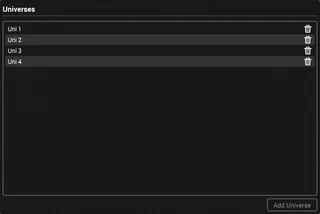
Universes can be renamed to make them easily identifiable.
This website uses cookies to enhance user experience. Please view our Cookie Policy for more information and customisation options.
Alternatively, please select one of the options below to continue.